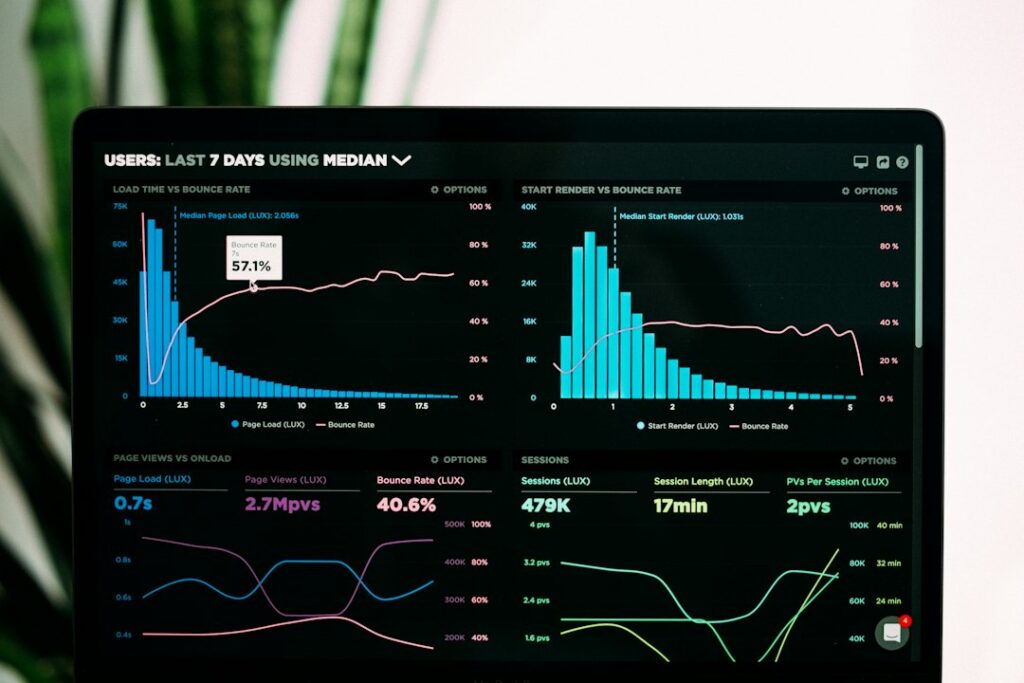
Organisations do not need more charts for their own sake. They need people who can turn messy information into a decision that someone can act on.
The analyst’s real job
Data analytics begins with a question. What changed? Which customers returned? Where is time being lost? A capable analyst checks whether the data is complete, defines useful measures and explains what the evidence can—and cannot—say.
A practical learning sequence
- Spreadsheets: formulas, tables, pivot tables, data validation and cleaning.
- SQL: filtering, joins, aggregation, subqueries and data modelling basics.
- Statistics: distributions, averages, variation, sampling and correlation versus causation.
- Visualisation: clear charts, dashboards and tools such as Power BI.
- Communication: concise findings, limitations and recommendations.
Make a project decision-focused
Choose a public dataset, write down the question, inspect missing values and duplicates, then build a small dashboard. End with three findings and one recommendation. Include the caveats: the data’s date range, source, assumptions and any limitations.
Where Python fits
Python can help automate cleaning and analysis, especially for larger or repeatable workflows. But it should complement—not replace—spreadsheet, SQL and statistical foundations.
Explore the Excel EDGE data science and analytics course and confirm whether Excel, SQL, Power BI or Python are included in the current syllabus.
Further reading
- Microsoft Learn: Power BI — official training for data modelling and visualisation.
- PostgreSQL Tutorial — practical introduction to relational databases and SQL.